
Wright It Once Post Forever
Let’s get into Chapter 5 — this one gives you what you always ask Next:
“What tools do you actually use to pull this off without a team or $500/month software investment ?”
The goal here is build practical, budget-friendly, and creator-focused. All killer, no filler.
The no-fluff list of apps Let’s build your brand without breaking your bank.
Let’s Cut the Noise
You’ve probably heard, “Just use the right tools and it gets easier.”
Then you Google it… and land on a list with 73 options, 6 paid subscriptions, and 4 tools that were clearly written by a software amateur.
This isn’t that.
This is the short, battle-tested list of free (or freemium) tools you actually need to create, organize, design, schedule, and grow your brand online — without overcomplicating your life.
Mini Action Break #1: What’s Your Content Bottleneck?
Before you dive into tools, figure out where you feel most stuck.
Circle one (or more):
- I don’t know what to post
- I can’t design it consistently
- I spend too long writing captions
- I forget to post
- I hate switching between platforms
Got it? Now we’ll match your problem with the right tool.
Tool Stack: 100% Creator-Approved
Here’s the full stack — grouped by purpose and priority:
1. Brainstorming & Planning
| Tool | Use Case | Why It Works |
|---|---|---|
| Notion | Plan posts, track ideas | Flexible, build-your-own dashboard |
| Trello | Visual content calendar | Easy drag-and-drop system |
| Airtable | Content databases, status flows | Clean filters, multiple views |
2. Writing & Copy Help
| Tool | Use Case | Why It Works |
|---|---|---|
| ChatGPT (or similar) | Generate captions, variations | Save time without losing voice |
| Grammarly | Clean up typos, tone suggestions | Keeps your voice sharp and polished |
| Hemingway Editor | Make writing punchier & easier | Cuts the fluff |
3. Design & Visuals
| Tool | Use Case | Why It Works |
|---|---|---|
| Canva | Templates, graphics, carousels | Branded kits make it stupid-simple |
| Remove.bg | Remove image backgrounds | Clean thumbnails, fast edits |
| Pexels/Unsplash | Free stock photo sites | Great for moodboards or filler shots |
4. Scheduling & Automation
| Tool | Use Case | Why It Works |
|---|---|---|
| Later | Drag-and-drop post scheduler | Great UI, works with all platforms |
| Buffer | Queues, analytics, post calendar | Simple and reliable |
| Metricool | Combine content + metrics | Powerful for creators scaling up |
5. Branding & Style
| Tool | Use Case | Why It Works |
|---|---|---|
| Coolors.co | Build custom color palettes | Fast, intuitive design inspiration |
| Fonts.google.com | Find clean, brand-consistent fonts | Easy to pair + preview |
| Tally.so | Free form builder (for inquiries, feedback) | Clean, free alternative to Typeform |
Mini Action Break #2: Build Your Mini Stack
Here’s your challenge:
Pick 1 tool from each section that feels right for you.
Write them down here:
- Planning: __________
- Writing: __________
- Design: __________
- Scheduling: __________
- Branding: __________
That’s your system — no bloat, just tools that fit your style.
Download the “Build Your Tool Stack” Guide
Includes:
- Tool comparison chart
- Suggested pairings (based on pain points)
- Quick setup checklist to go from 0 → brand system
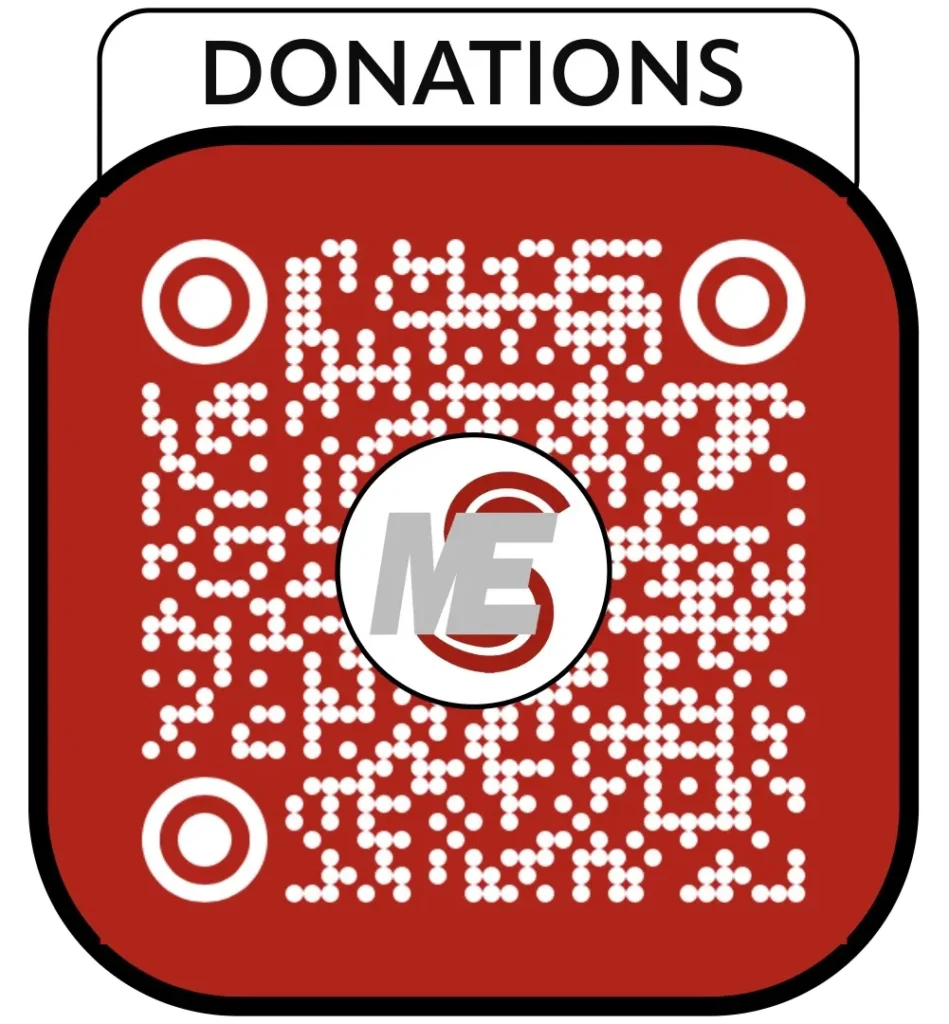
This blog is supported by your love and support tips and donations. Pay what you want (minimum $2 — Damn, those fees. lol)
Scan QR code Donate securely with Strip.
Chapter 5 Worksheet:
P.S. The content is free — donation is not required for download.
Coming Next: Chapter 6
Chapter 6: Turn It Into Revenue or Reach
Learn how to turn your brand presence into bookings, sales, partnerships, and fans.


Leave a Reply