

Introduction
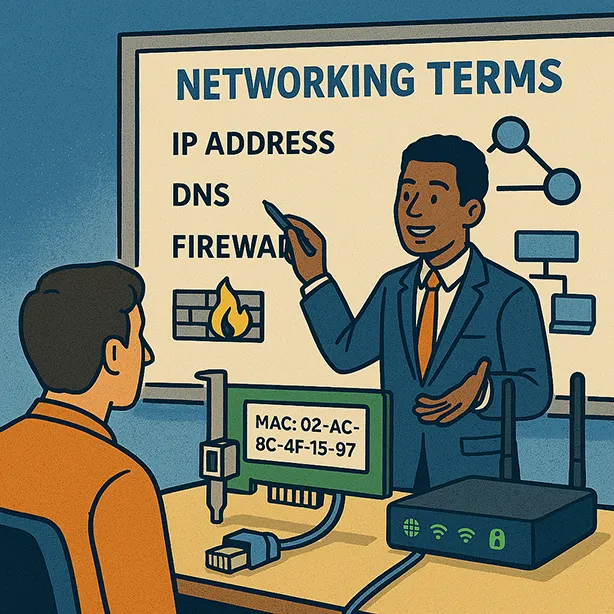
In the world of small business networking, understanding and communicating key terms is crucial for success. Whether you’re a network consultant or a business owner, speaking the same language as your clients can make all the difference. This guide will educate you on essential networking terms and provide strategies for effectively conveying this knowledge to your clients.
Why Educate Your Clients on Networking Terms?
Building Trust and Credibility
Educating your clients on networking terms demonstrates your expertise and builds trust. When clients understand the language you use, they are more likely to trust your recommendations and feel confident in your services.
Enhancing Communication
Clear communication is key to any successful business relationship. By ensuring that both you and your clients are on the same page regarding networking terms, you can avoid misunderstandings and ensure that projects run smoothly.
Empowering Decision-Making
When clients understand the terminology, they are better equipped to make informed decisions about their network infrastructure. This empowerment can lead to more satisfied clients and stronger business relationships.
Essential Networking Terms
Network Interface Card (NIC)
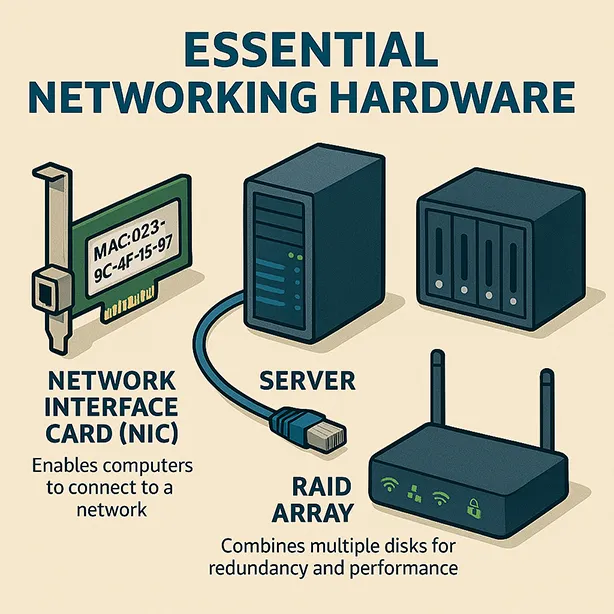
Definition: A NIC is a printed circuit board or adapter card that connects a computer to a network. It transmits and receives data packets, enabling communication over a local area network (LAN), wide area network (WAN), or broadband network.
Key Points:
- Most common NIC for small businesses is the 10/100Mbps Ethernet adapter.
- NICs are essential for connecting computers to the internet and other networks.
- They come with a unique MAC address for device identification.
Network Operating System (NOS)
Definition: A NOS is an operating system designed to manage communications between networked computer systems. It provides the foundation for network services and resource sharing.
Popular NOS Examples:
- Apple Mac OS
- Linux
- Microsoft Windows Server
- Novell NetWare
Key Features:
- User authentication and authorization
- File and print sharing
- Network security and management
- Support for multiple protocols
Peer-to-Peer Network
Definition: A peer-to-peer network is a decentralized network where each computer (peer) can act as both a client and a server, sharing resources directly with other peers.
Advantages:
- Cost-effective solution for small businesses
- Easy to set up and manage
- No need for a dedicated server
Common Use Cases:
- Small offices or home offices
- Temporary or project-based networks
- Environments with limited IT resources
RAID (Redundant Array of Independent Disks)
Definition: RAID is a technology used to improve the performance and reliability of storage devices by distributing data across multiple hard drives.
Types of RAID:
- RAID 0: Striping for improved performance
- RAID 1: Mirroring for data redundancy
- RAID 5: Striping with parity for a balance of performance and redundancy
- RAID 10: Combination of mirroring and striping for both performance and redundancy
Benefits:
- Increased data reliability
- Improved performance
- Protection against hard drive failures
SCSI (Small Computer System Interface)
Definition: SCSI is a high-speed interface used to connect and transfer data between computers and peripheral devices, such as hard drives and scanners.
Key Features:
- Supports multiple devices on a single chain
- High data transfer rates
- Widely used in servers and high-performance workstations
Server
Definition: A server is a computer or system that provides shared resources, services, or data to other computers (clients) over a network.
Types of Servers:
- File Server: Stores and manages files for network users
- Print Server: Manages print jobs and printers on the network
- Email Server: Handles email communication and storage
- Web Server: Hosts and serves web pages to users
- Database Server: Manages and provides access to databases
Key Responsibilities:
- User authentication and authorization
- Resource management and allocation
- Network security and monitoring
- Data backup and recovery
Wireless Ethernet
Definition: Wireless Ethernet, also known as Wi-Fi, is a set of standards that allow Ethernet networks to operate without physical cabling, using radio waves for data transmission.
Standards and Speeds:
- 802.11a: Up to 54 Mbps
- 802.11b: Up to 11 Mbps
- 802.11g: Up to 54 Mbps
- 802.11n: Up to 600 Mbps
- 802.11ac: Up to 1 Gbps
- 802.11ax (Wi-Fi 6): Up to 9.6 Gbps
Benefits:
- Mobility and flexibility
- Easy to set up and expand
- Reduced cabling costs
- Support for a wide range of devices
Strategies for Educating Your Clients
Create a Cheat Sheet
Develop a simple, easy-to-understand cheat sheet that outlines the key networking terms and their definitions. This can serve as a quick reference for both you and your clients during meetings and discussions.
Conduct Workshops or Webinars
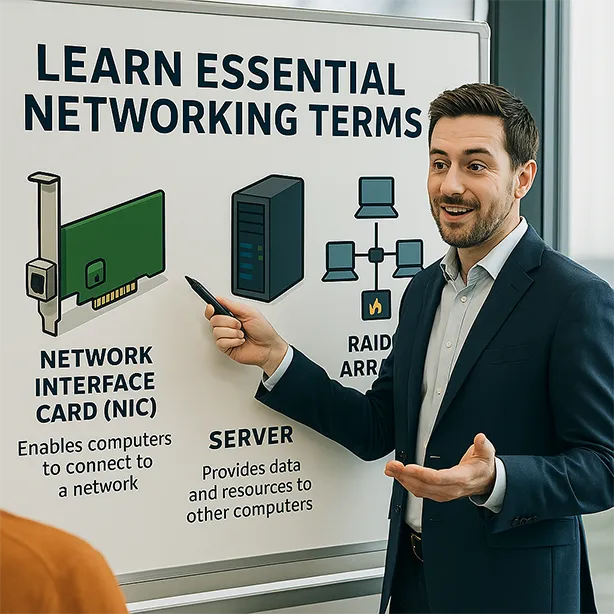
Host workshops or webinars to educate your clients on networking terms and concepts. These sessions can be interactive, allowing clients to ask questions and gain a deeper understanding of the topics.
Provide Case Studies and Examples
Use real-world case studies and examples to illustrate how networking terms apply to actual business scenarios. This can help clients see the practical applications of the terminology and how it relates to their own network infrastructure.
Offer One-on-One Training
For clients who prefer a more personalized approach, offer one-on-one training sessions. This can be tailored to their specific needs and can cover the networking terms that are most relevant to their business.
Develop Educational Content
Create blog posts, articles, and videos that explain networking terms in a clear and engaging manner. Share this content with your clients to reinforce their understanding and provide ongoing education.
Conclusion
Educating your clients on key networking terms is essential for building trust, enhancing communication, and empowering decision-making. By understanding and effectively conveying these terms, you can ensure that your clients are well-informed and confident in their network investments. Use the strategies outlined in this guide to create a comprehensive education plan that meets the needs of your clients and strengthens your business relationships.





Leave a Reply